Mastering HTTP Status Codes: Decoding the Web's Signals
Learn how to use semantic HTTP status codes to build robust, predictable, and self-documenting APIs.
This article had its first draft written by AI, then got the “human touch” to make sure everything’s clear, correct, and worth your time.
1. The Hook and Introduction
Imagine you are driving and approach an intersection. You see a green light. You know immediately that you can proceed safely. If you see a red light, you know you must stop. You don’t need to roll down your window and ask a police officer to explain what the light means—the color itself is the universal standard.
In web development, HTTP Status Codes are the traffic lights of the internet.
When a client sends a request to a server, the server responds with a three-digit status code. This code instantly communicates whether the request was successful, if the client made a mistake, or if the server itself caught on fire.
2. HTTP Status Codes Overview
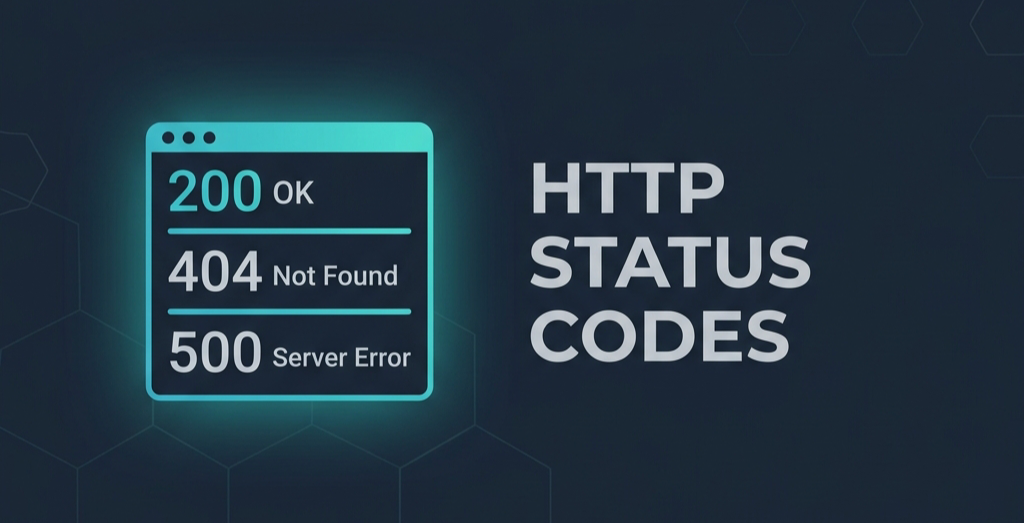
HTTP status codes are divided into five distinct classes, categorized by their first digit. This makes it incredibly easy for clients (like browsers or mobile apps) to understand the category of a response without even looking at the exact number.
- 1xx (Informational): “Hold on, I’m processing.” (Rarely used in standard API development).
- 2xx (Success): “Everything went perfectly.” (e.g.,
200 OK,201 Created). - 3xx (Redirection): “Go look over there instead.” (e.g.,
301 Moved Permanently). - 4xx (Client Error): “You messed up.” (e.g.,
400 Bad Request,401 Unauthorized,404 Not Found). - 5xx (Server Error): “I messed up.” (e.g.,
500 Internal Server Error,503 Service Unavailable).
3. The “Bad Practice”: The 200 OK Antipattern
One of the most common mistakes new developers make is wrapping every single response in a 200 OK status code, even when an error occurred. They then force the client to parse a custom JSON body to figure out if the request actually worked.
The Antipattern:
1
2
3
4
5
6
7
8
HTTP/1.1 200 OK
Content-Type: application/json

{
  "success": false,
  "error_code": "USER_NOT_FOUND",
  "message": "The requested user does not exist."
}
This is terrible API design. Proxies, CDNs, and monitoring tools see 200 OK and assume your application is perfectly healthy, completely hiding your failure rates from your dashboards.
4. The Solution: Semantic Status Codes
A robust API uses the correct HTTP status code to signal the outcome at the network layer, and uses the response body purely for additional, human-readable context.
The Best Practice:
1
2
3
4
5
6
7
HTTP/1.1 404 Not Found
Content-Type: application/json

{
  "error_code": "USER_NOT_FOUND",
  "message": "The requested user does not exist."
}
Now, any client or monitoring tool immediately knows a client-side error occurred (404) without needing to parse the JSON.
5. Framework Context: Handling Status Codes
Here is how you deal with status codes across the stack.
Frontend (React / JavaScript)
The Fetch API provides a simple .ok property that returns true if the status code is in the 2xx range.
1
2
3
4
5
6
7
8
9
10
11
12
const response = await fetch('/api/users/1');

if (!response.ok) {
  if (response.status === 404) {
    console.error("User not found!");
  } else if (response.status >= 500) {
    console.error("Server is down, try again later.");
  }
  return;
}

const data = await response.json(); // Safe to parse now
Backend (Spring Boot / Java)
Spring Boot makes it easy to return semantic status codes using ResponseEntity or @ResponseStatus.
1
2
3
4
5
6
@GetMapping("/api/users/{id}")
public ResponseEntity<UserDTO> getUser(@PathVariable Long id) {
    return userRepository.findById(id)
            .map(ResponseEntity::ok) // Returns 200 OK
            .orElseGet(() -> ResponseEntity.notFound().build()); // Returns 404 Not Found
}
For exceptional cases, you can handle them globally:
1
2
3
4
5
6
@ExceptionHandler(IllegalArgumentException.class)
public ProblemDetail handleBadRequest(IllegalArgumentException ex) {
    ProblemDetail problemDetail = ProblemDetail.forStatusAndDetail(HttpStatus.BAD_REQUEST, ex.getMessage());
    problemDetail.setTitle("Invalid Request Parameter");
    return problemDetail;
}
6. Advantages & Disadvantages of Semantic Codes
Advantages
- Observability: Tools like Datadog, New Relic, and standard access logs can automatically track error rates based purely on status codes.
- Client Simplicity: Frontend code becomes much cleaner by using standard
response.okchecks instead of writing nestedif (data.success == false)logic. - Caching: CDNs know not to cache
4xxand5xxresponses, but will happily cache200 OKresponses, saving you bandwidth.
Disadvantages
- Nuance: The HTTP specification has over 60 status codes. Deciding between
401 Unauthorized(not logged in) and403 Forbidden(logged in, but lacking permissions) can confuse beginners.
7. Conclusion
HTTP Status codes are your API’s first line of communication.
- 2xx means the client did a good job.
- 4xx means the client needs to fix their request.
- 5xx means the backend engineers need to wake up and check the logs.
Pro Tip: Do not invent your own status codes (like returning 450 for a custom business rule). Stick to the standard HTTP spec, and put your custom business error codes inside the JSON body payload.
Next Up
We’ve covered the structure, methods, headers, and status codes of HTTP. But the internet hasn’t stood still since 1999. In the final part of this series, we will look at how HTTP has evolved: Beyond HTTP/1.1: HTTPS, HTTP/2, and HTTP/3.
GitHub Example
If you want to see exactly how different status codes affect your browser’s network tab, check out my interactive HTTP learning portal! You can trigger different errors and successes intentionally:
- Interactive Portal: mcakar-dev.github.io/learn-http
- GitHub Repository: mcakar-dev/learn-http